Finance and accounting
Extractor de Datos: invoices to Excel with OCR and assisted review
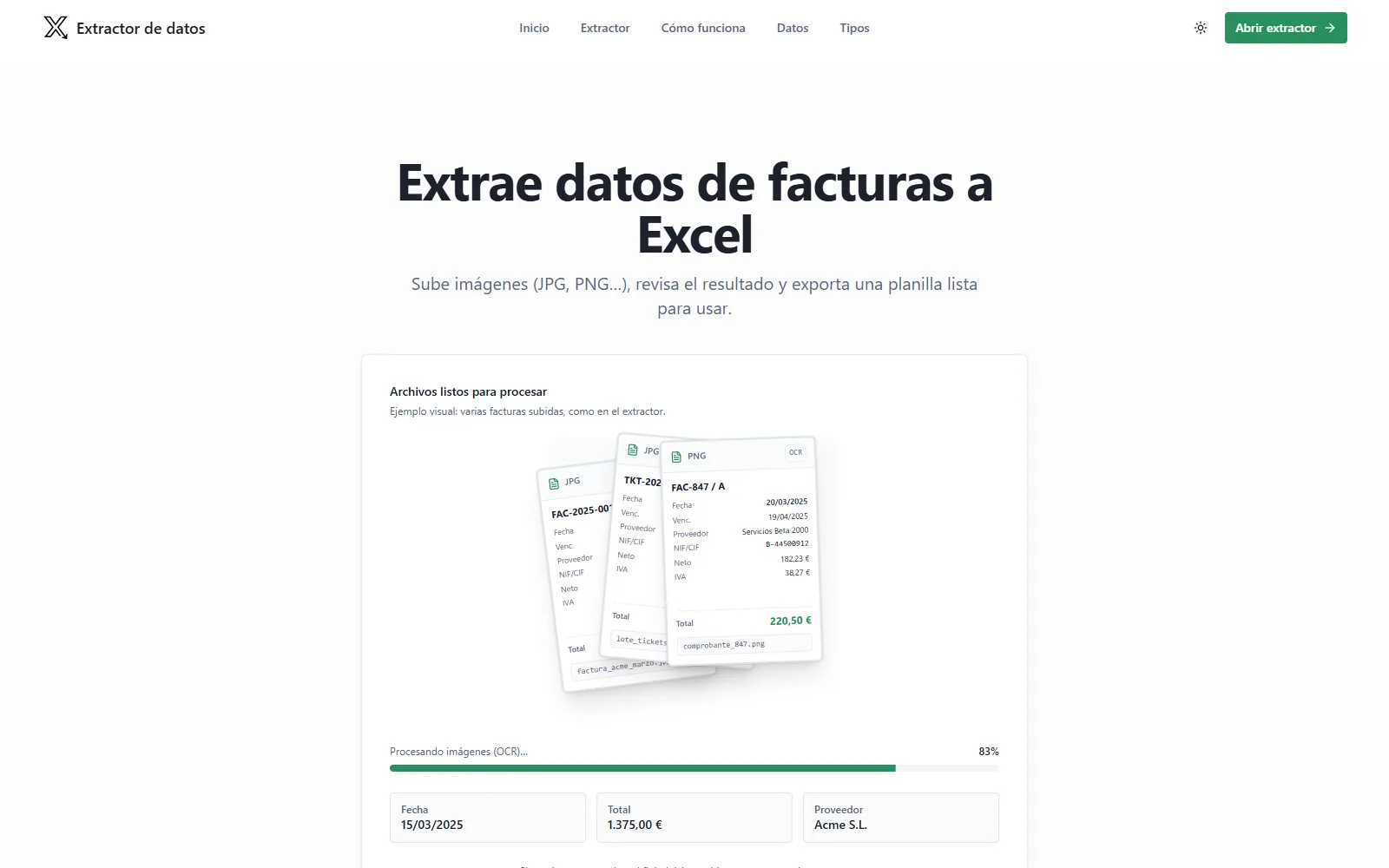
Web app that reads invoices, receipts and transactions from an image, extracts fields with in-browser OCR and pushes them to Excel, with optional AI review on the recognised text.
Stack & specs
How it's built
Technologies and technical decisions behind the panel above.
- Next.js
- React
- TypeScript
- Tailwind CSS
Specifications
- Flow
- Image upload, OCR, field editing and export on a single screen
- OCR
- Tesseract.js in the client, with no original file sent to the server
- AI
- Server route that sends only recognised text and user hints
- Data
- Editable table with validation and row-based Excel output
- Privacy
- Privacy and terms pages covering how documents are handled
Results
What we unlocked
Concrete operational changes — not vanity metrics.
In-browser OCR keeps the original image on the user's machine
/api/extract/llm route fills fields from recognised text plus optional hints
Editable table with multi-row Excel export and no page reload
In their words
What the team says
“We drop the invoice batch in and get rows to review instead of retyping amounts. OCR runs in the browser, so the original document never leaves the machine.”
5 routes
extractor, legal pages and extraction endpoint
2 modes
local heuristics or model interpretation
Services
What we combined
The services that shaped this project — each with its own scope and phases.
- Web applications
Web applications scoped for daily use—not a one-off demo.
- Automations
Less manual work between the tools you already use.
Project FAQ
Questions before you book
What teams usually ask when reviewing a case like this.
Want a similar outcome?
Tell us about your operations in 30 minutes. We'll define the first phase clearly.
